
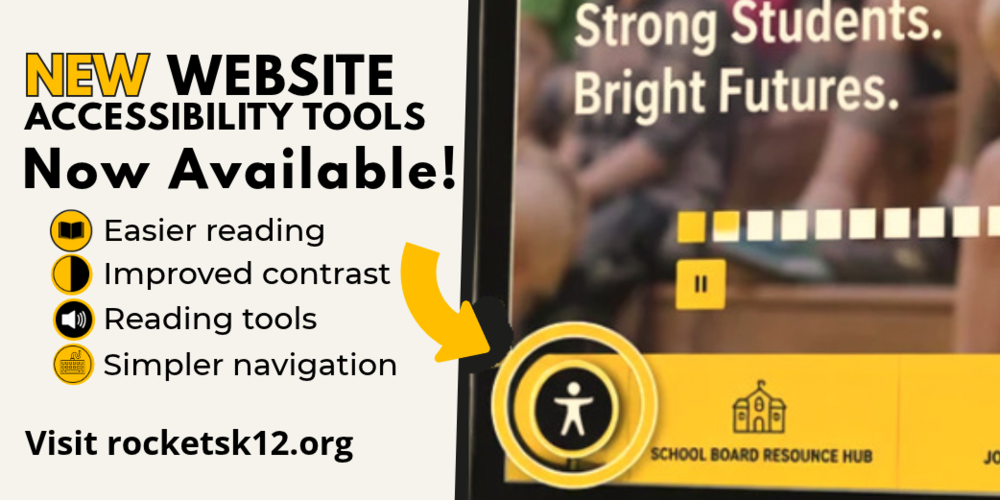
We are excited to share a new feature on the EBF website that allows visitors to customize their browsing experience and make information easier to access.
Visitors to rocketsk12.org will now see a black circular button with a white person symbol in the lower-left corner of the screen. Selecting the button opens a menu of tools designed to support different reading, viewing, and navigation preferences.
How the Tools May Help
Make text easier to read. Visitors can enlarge text, adjust the spacing between letters and lines, or choose a simpler font.
Improve color and contrast. High-contrast settings, color adjustments, and highlighted links can make website content easier to see.
Read content aloud. Text-to-speech options can support visitors who prefer listening or experience difficulty reading information on a screen.
Reduce distractions. Reading and focus tools may help visitors limit motion or concentrate on one area of the page at a time.
Simplify navigation. Larger cursors and keyboard-friendly tools can make it easier to move through the website and reach important content.
Everyone uses technology differently, and a small adjustment can make a meaningful difference. These tools can help visitors more comfortably read district news, check calendars, review board information, complete forms, and access school resources.
At EBF, we are committed to making information accessible to our students, families, staff, and community members. We encourage everyone to visit rocketsk12.org, explore the new accessibility tools, and discover the settings that work best for them.